

Learning
Decks
Flashcards must be first grouped into decks declared in config.jsonnet:
local srsAlgorithmSettings = {    easeFactor: 2.5,}
{    decks: [        {            name: "Skills",            query: "path:areas/skills",            newFlashcardsPerDay: 10,            algorithmSettings: srsAlgorithmSettings,        }        {            name: "English",            query: "path:areas/english",            newFlashcardsPerDay: 50,            algorithmSettings: srsAlgorithmSettings,        }    ],}
The algorithmSettings is used to tune the SRS algorithm by providing one of these values:
easeFactor(typenumber): The default ease factor for new cards. Used to calculate intervals for reviewing. (default:2.5)steps(typestring[]) An array of interval steps for learning (default:['1m', '10m', '1d']). These steps define the progression for cards in the learning queue.
In addition, flashcards can declare attributes to finely tune the interval scheduling logic:
- The optional attribute
ease_factoroverrides the value in the deck configuration. - The optional attribute
interest_factorcan provided to boost the scheduling interval.
These two attributes are useful to boost the scheduling interval between reviews depending your interest on the topic. It’s usually easier to remember on topics where we are naturally more enthusiastic about it. Thes attributes will often be used in the Front Matter:
---ease_factor: 3interest_factor: 1.5---
# My Favorite Topic
...
Studies
Studying decks is available in the desktop application.
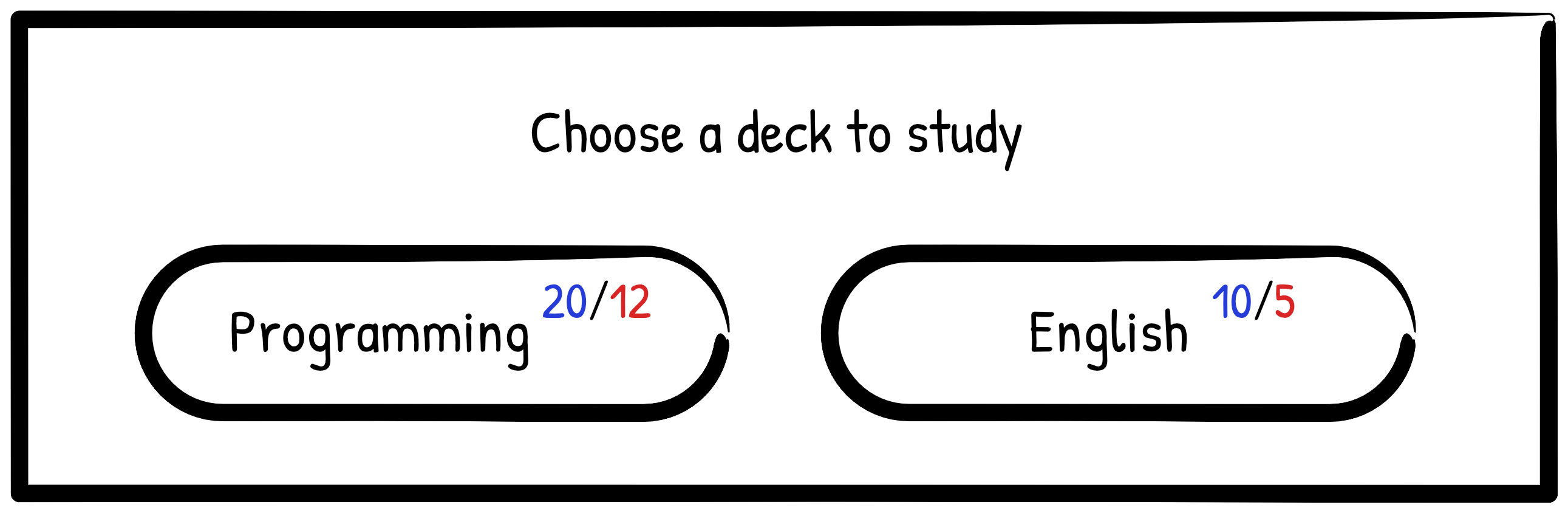
After selecting a deck, the study session for today begins:
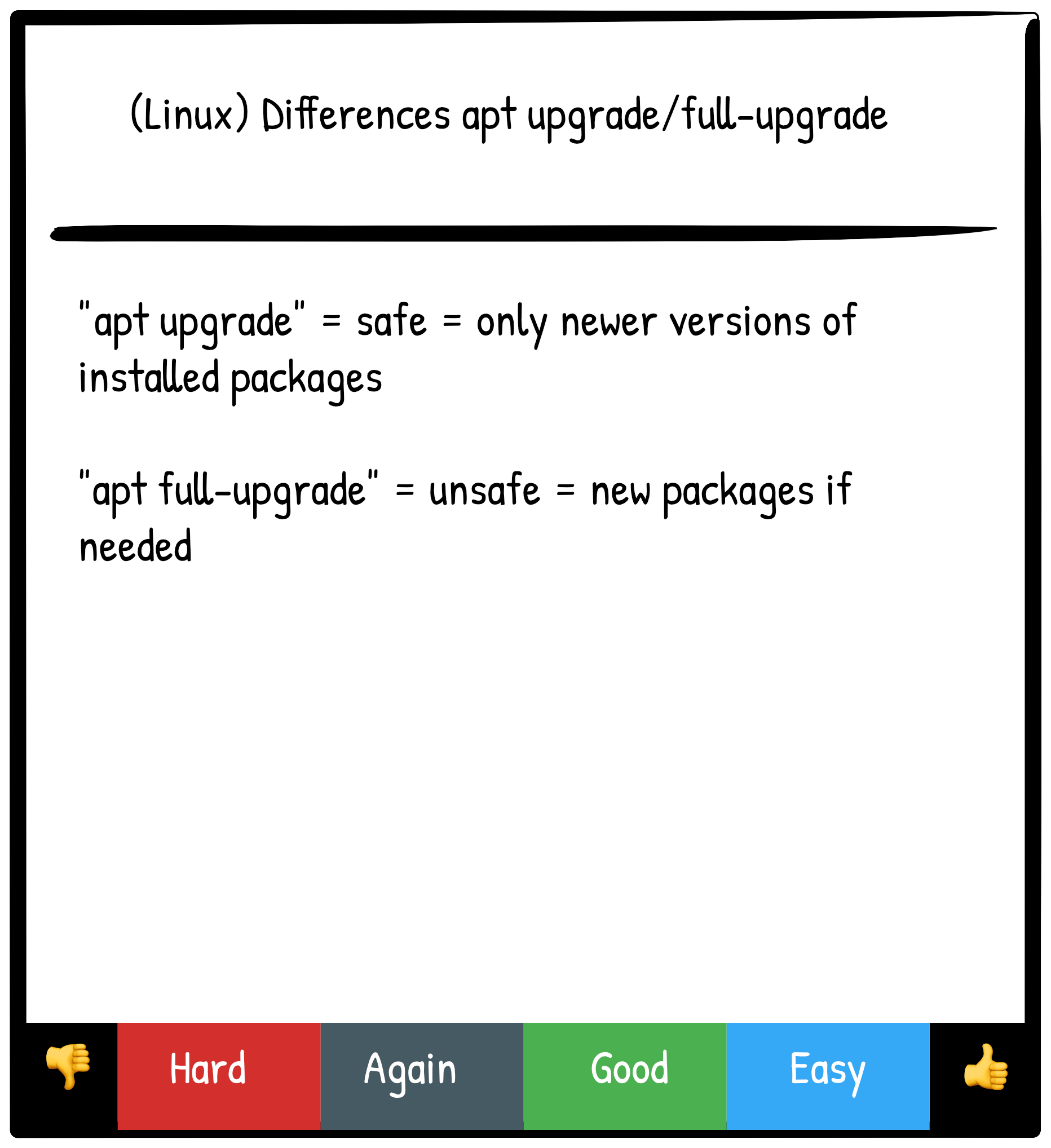
Flashcards are stored along other objects defined in a Markdown file. When studying, the application need to persist reviews. These study sessions are saved differently. They don’t belong to the flashcard object but are a different kind of objects that work on top of the flashcard object itself.
For example, when reviewing a flashcard in the desktop application, an operation will be appended to a journal log. The journal log can be flushed using a button. A new pack file will be created containing all study operations. These pack files will be pushed or pulled like other pack files.