Make your notes shine
Note-Taking for Creative Developers

The NoteWriter started with a problem: How to keep notes on a computer with the same longevity and freedom than paper?
Few commercial products last decades. Few open source projects do better. Why not try a different approach?
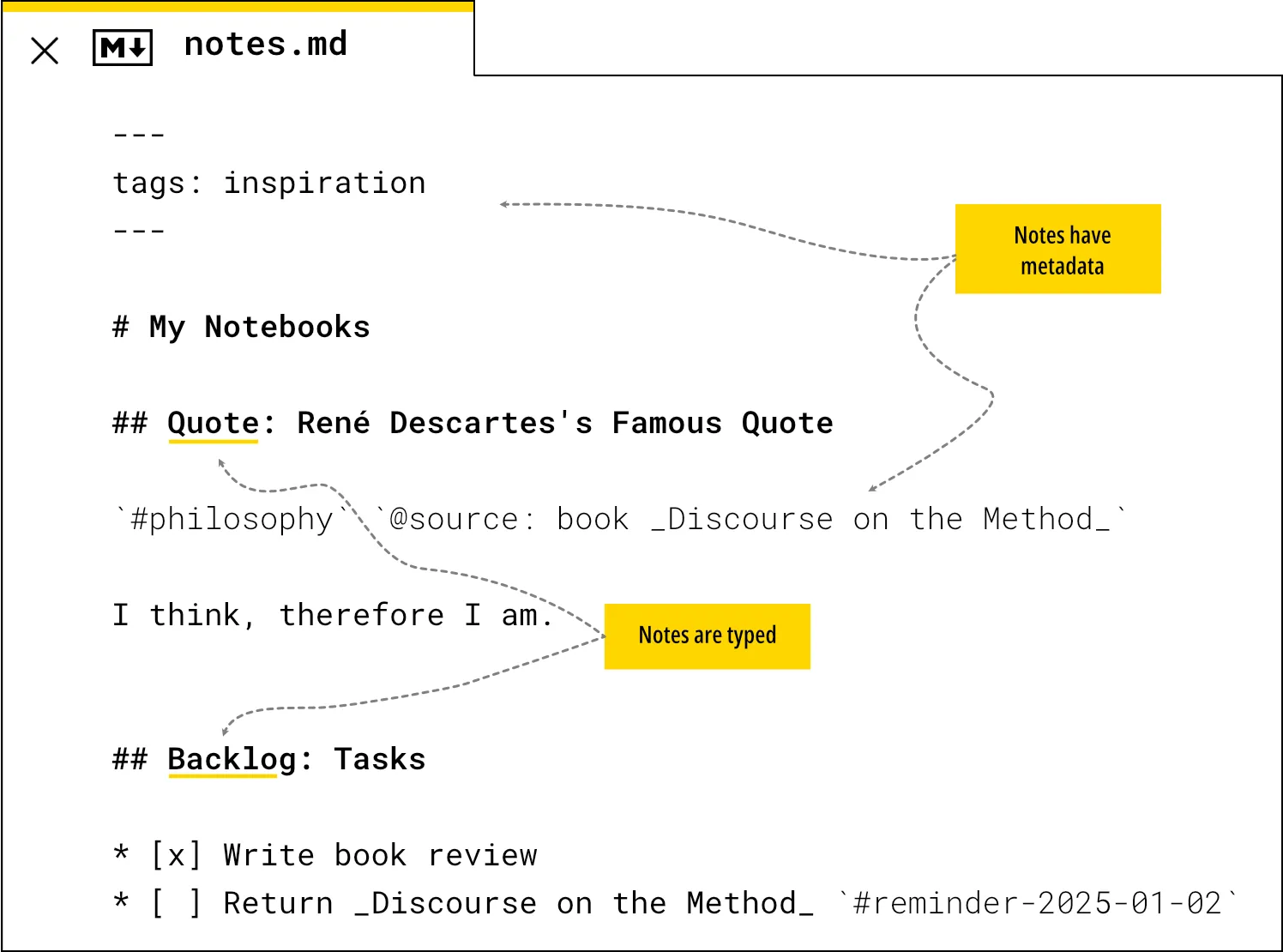
1. Write in your favorite editor using Markdown
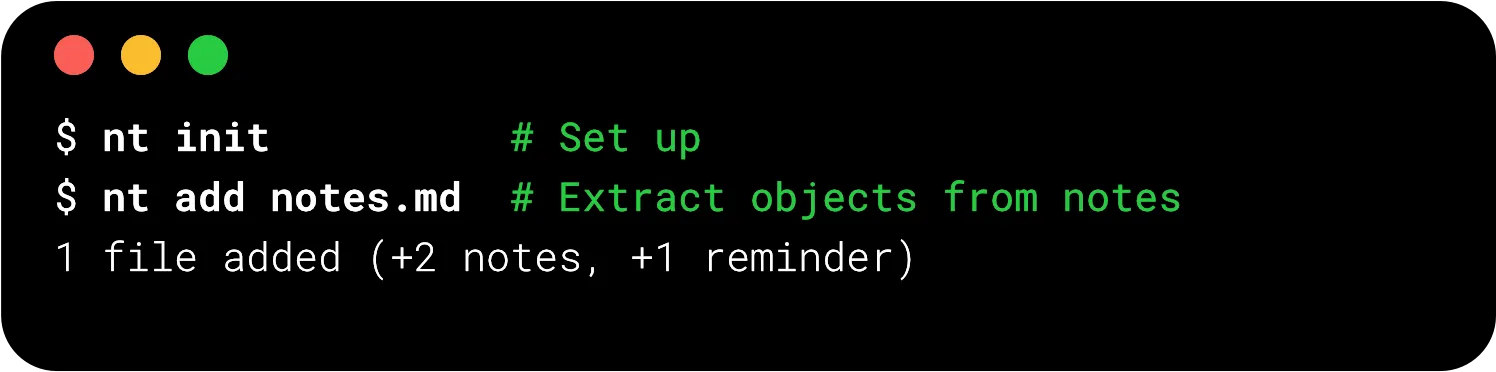
2. Add your notes using a cli
3. Manipulate your notes like on your desk
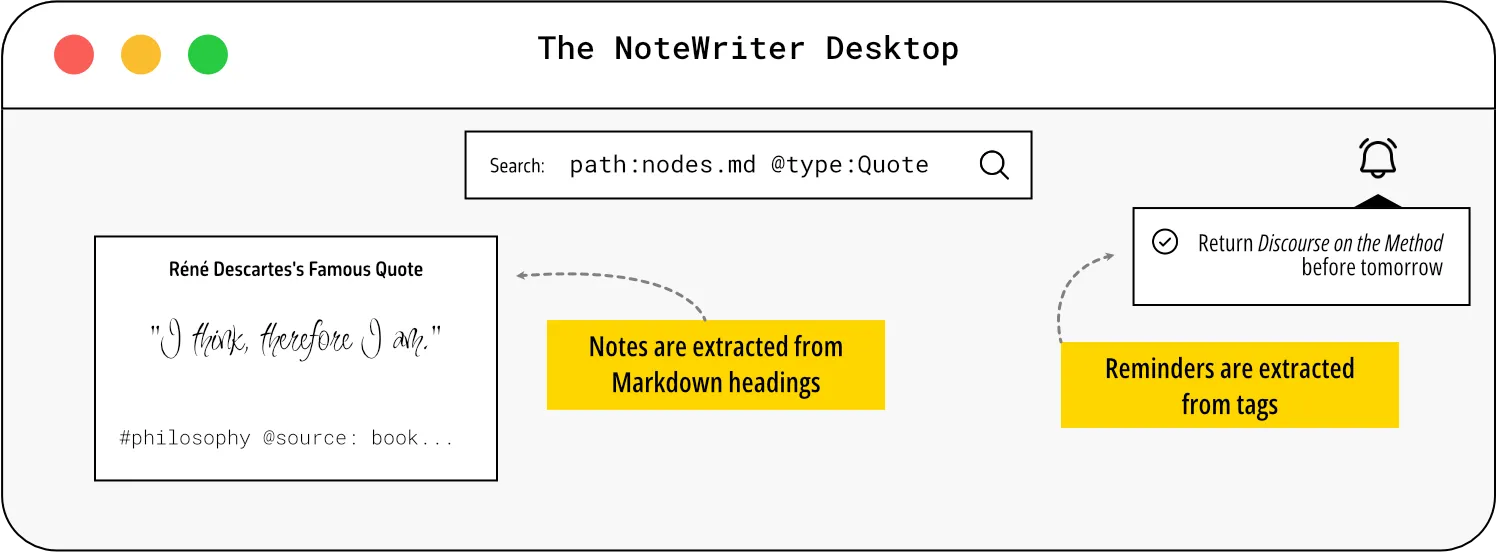
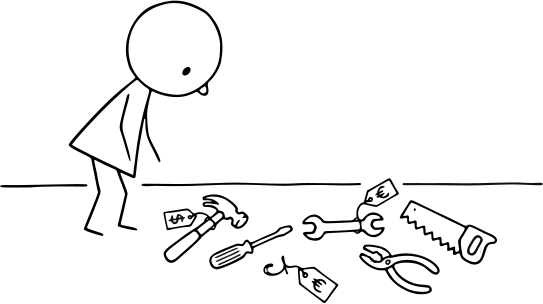
Apps are DISTRACTIONS
- Using apps is not the goal. Using notes is.
- Switching between apps is not the goal. Writing notes is.
- Apps are volatile. Notes are permanent.
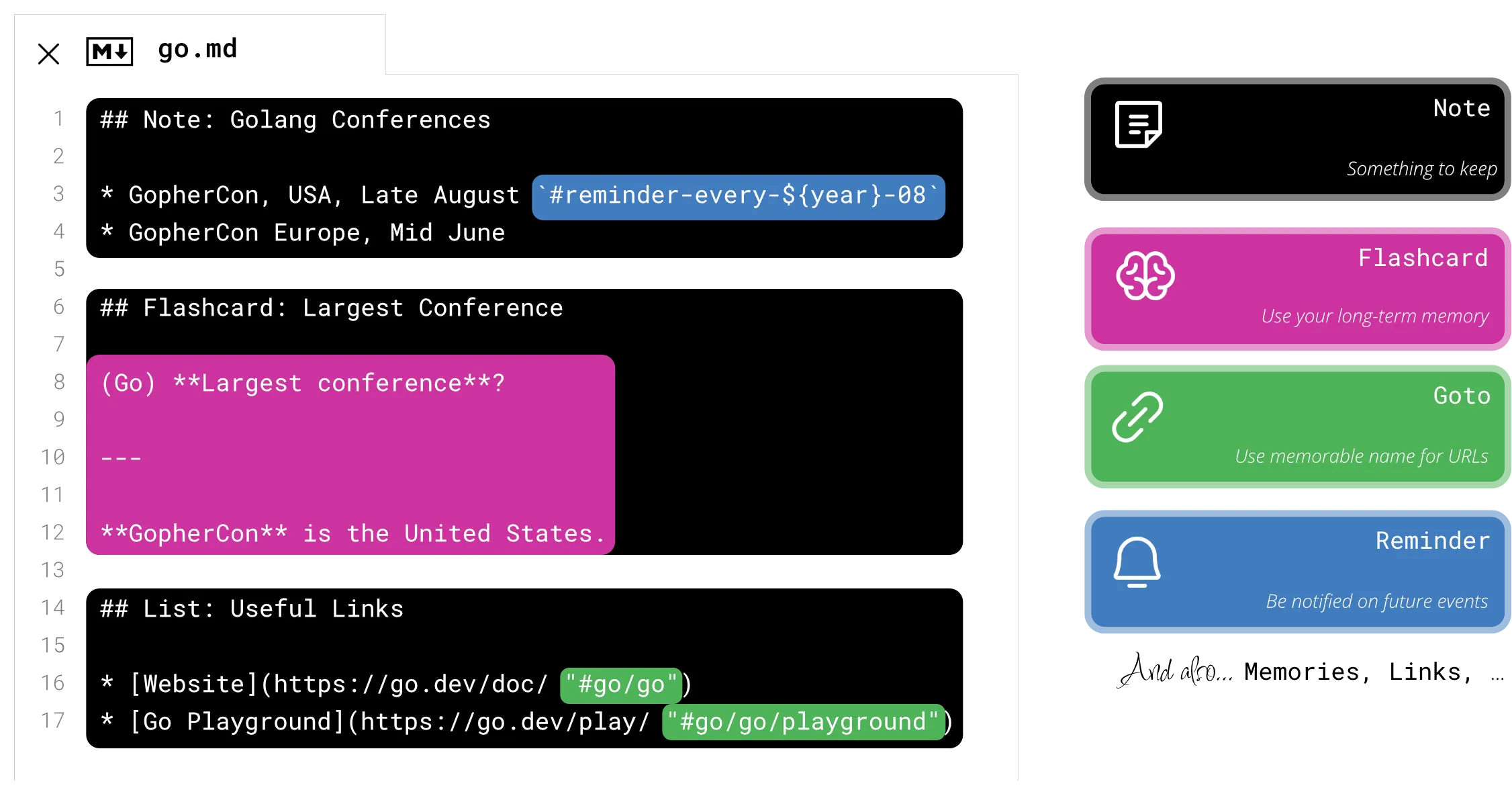
Using a single Markdown file as a notebook completely changed my approach. I use Markdown files like I would use physical notebooks. Different topics go to different files. Grouping my notes make it easier to find, organize, factorize, and avoid duplication. The NoteWriter feels like note-taking as code.
Designed for DEVELOPERS
Plain-old Markdown
From Markdown to Objects
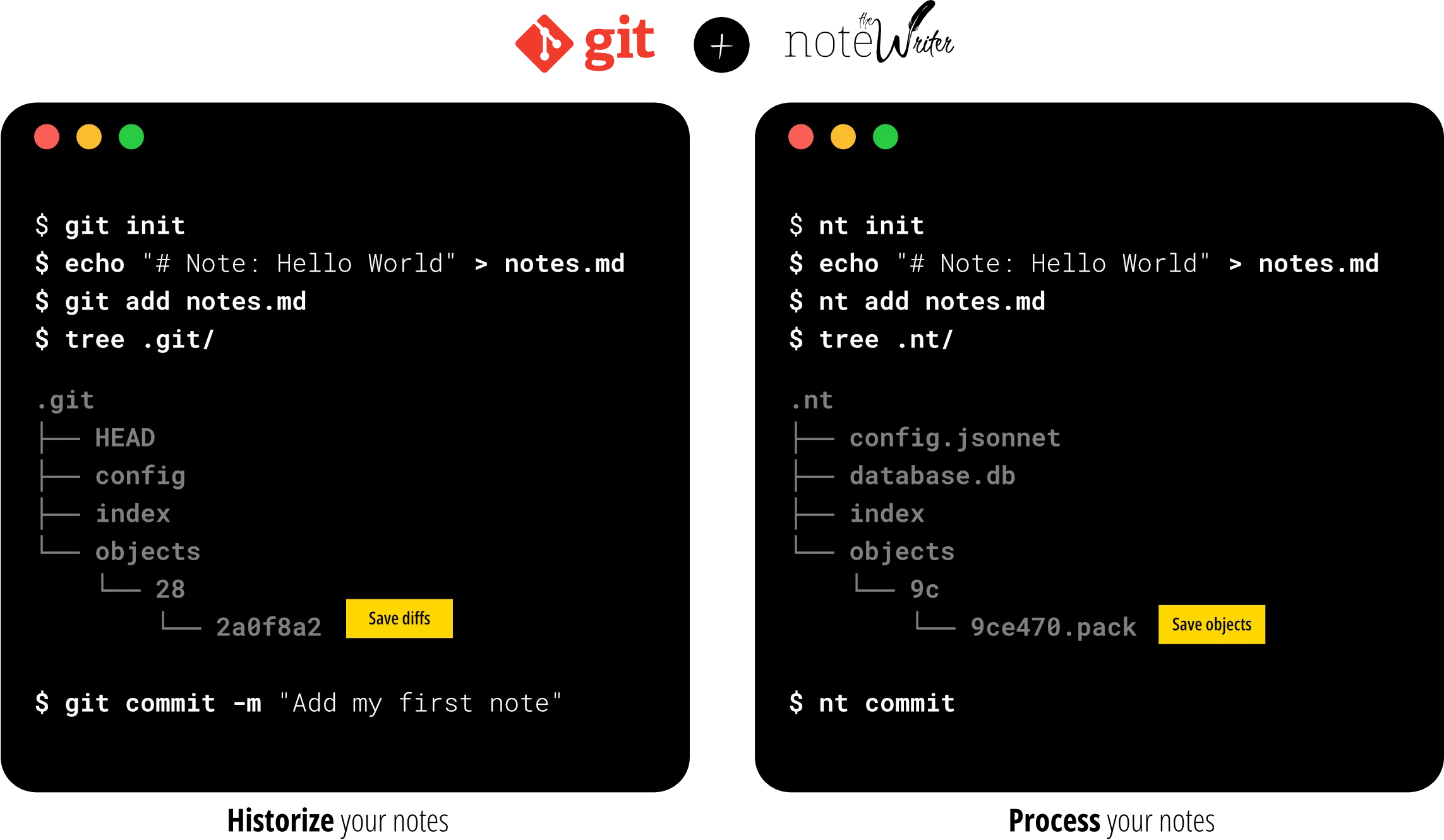
Inspired by Git.
Powered by Git.
Designed to work with Git
Minimal Scope.
Maximal Impact.
The right tool for the right task
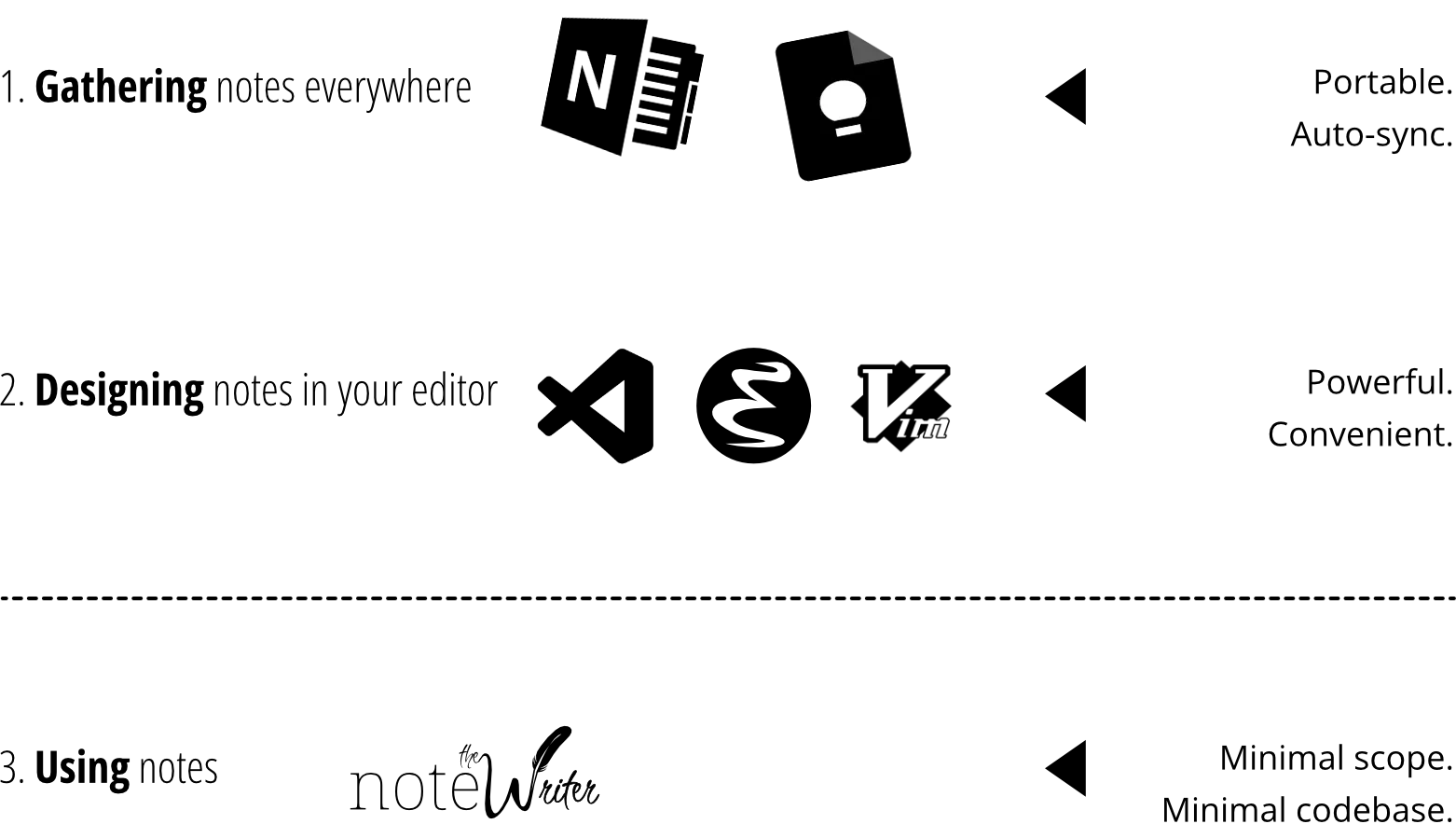
Local First
Your Notes. Your Data.
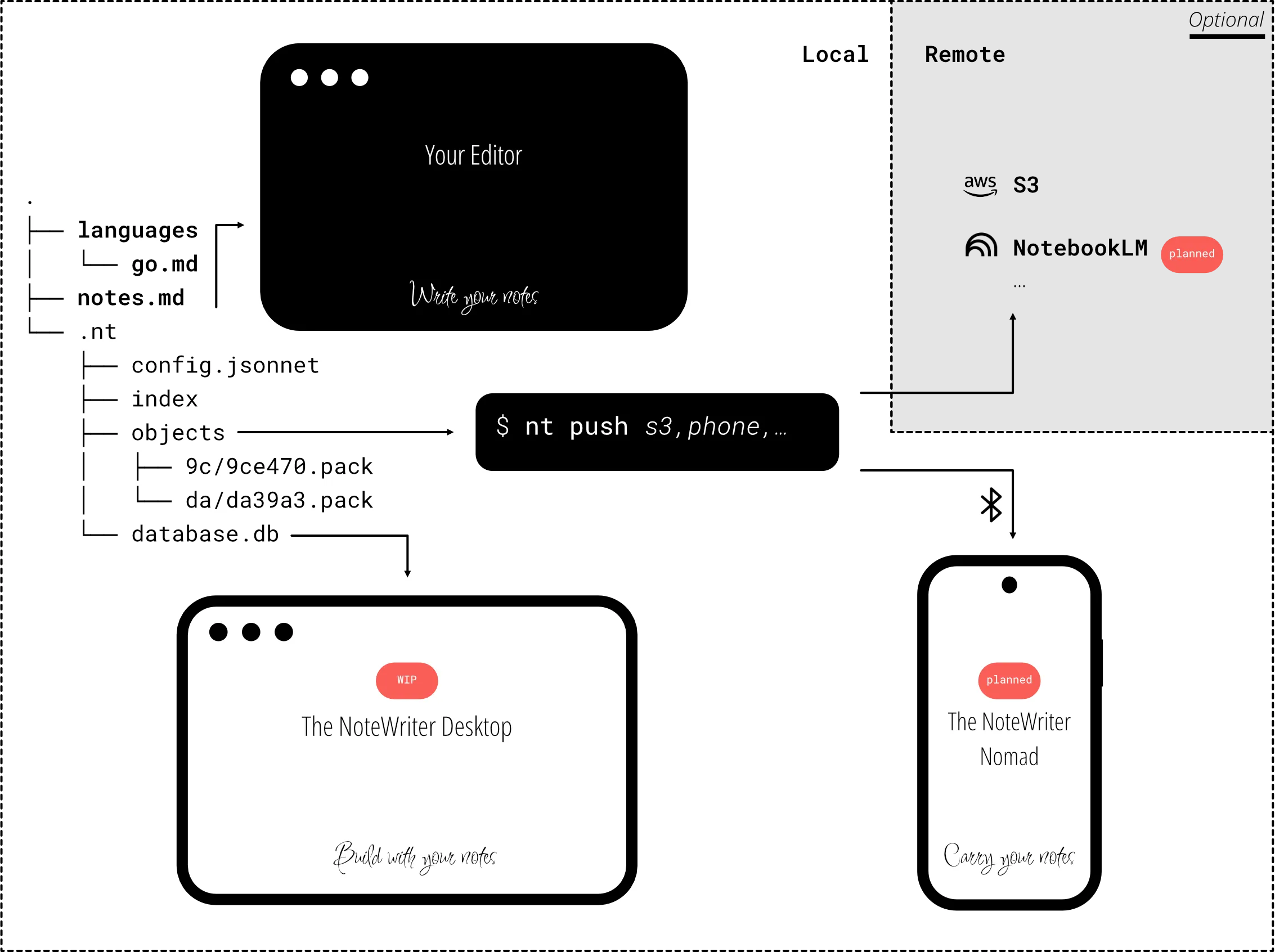
I chose a few principles to guide me during the development to ensure the application doesn’t become bloated. Having clear principles makes it easier to make decisions and stay focused on the long-term goal to have a safe place for my notes.
Minimal. Local. Optional.
Opinionated
- Collaborative Mode ➤ Focus on personal notes.
- Plugins ➤ Features must be first-class citizens.
- Rich UI ➤ Code editors are more powerful to edit Markdown.
Work locally
- Own your notes ➤ Use Git as usual.
- Use your notes ➤ Read them locally, always.
- Sync your notes ➤ Push them to your phone directly.
Disposable
- Markdown files ➤ Independent of any application.
- Personal project ➤ No money needed to last.
- Open Source ➤ Full codebase available.
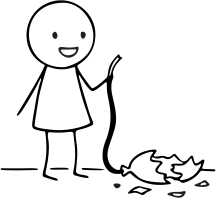
I chose deliberately features based on two goals: minimize the number of lines of code AND maximize the use of notes. Getting the most out of my notes is more important than having a feature-rich application.
Features at a glance
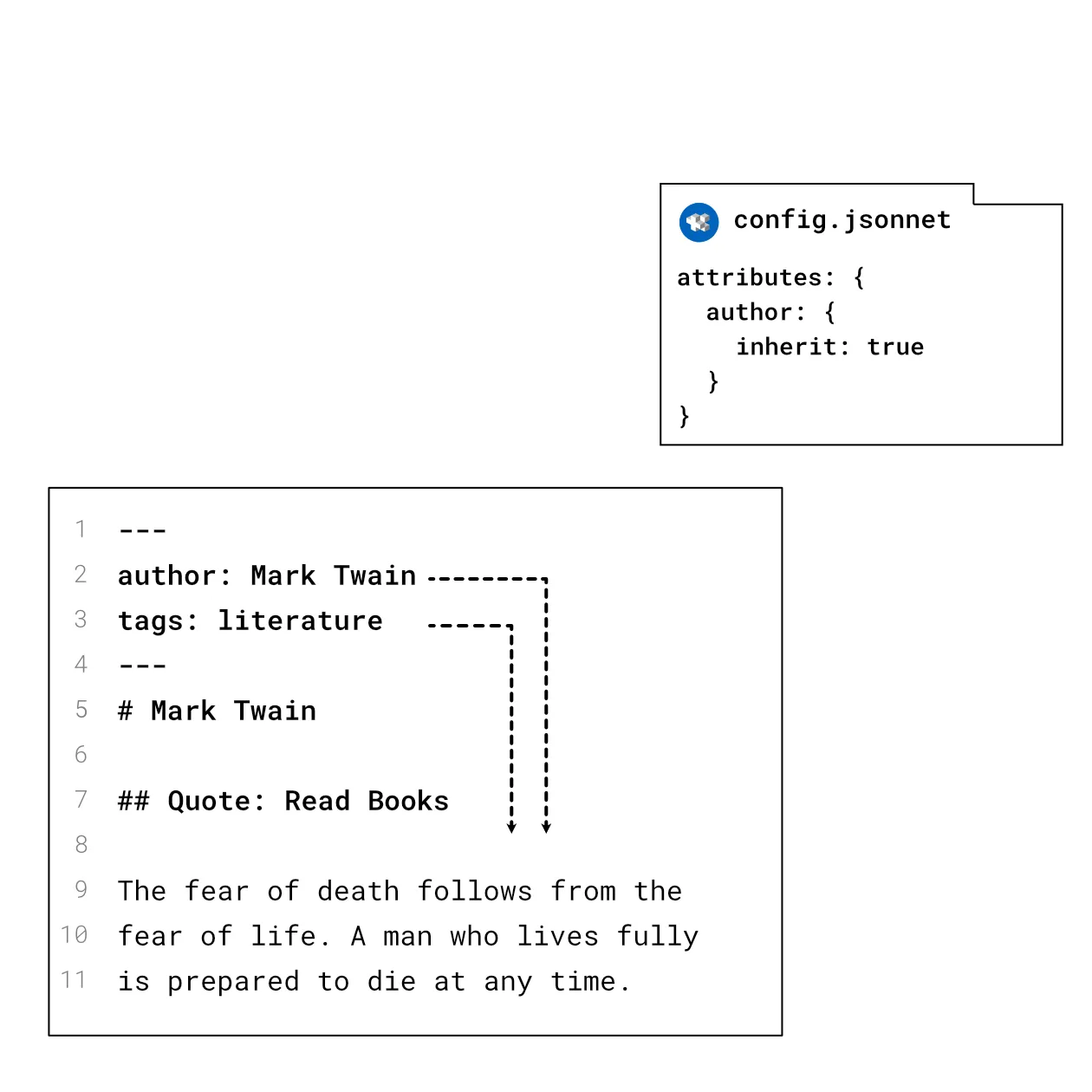
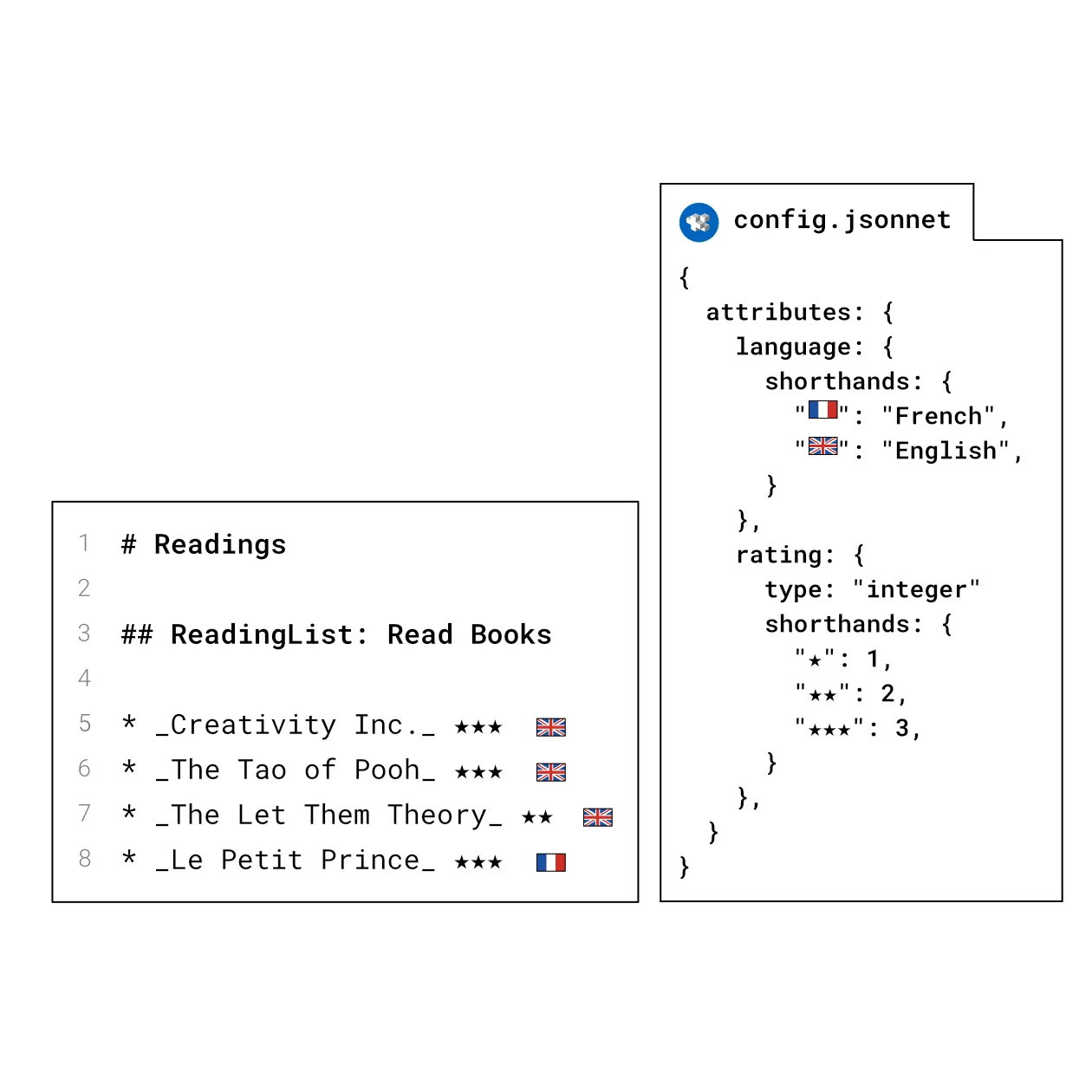
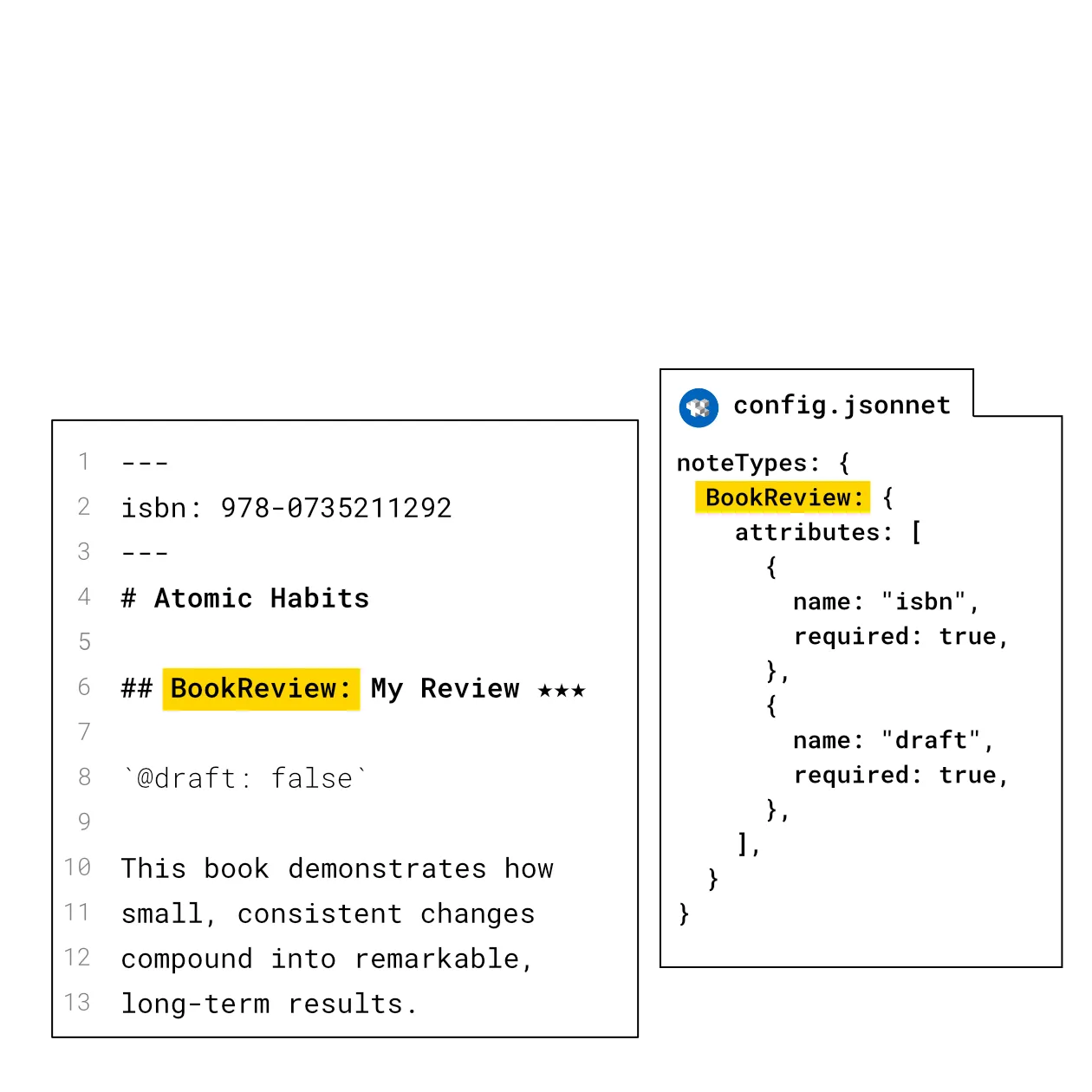
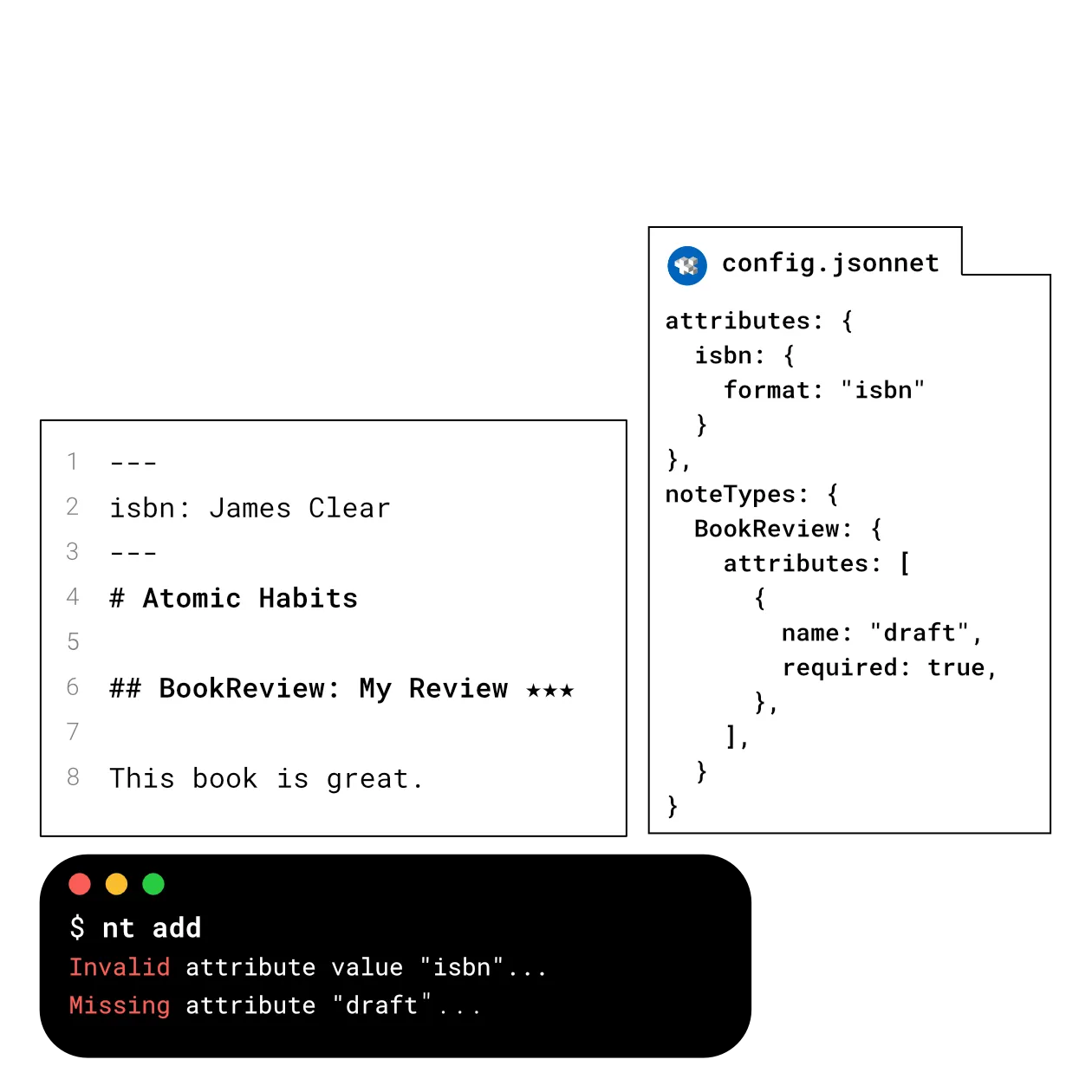
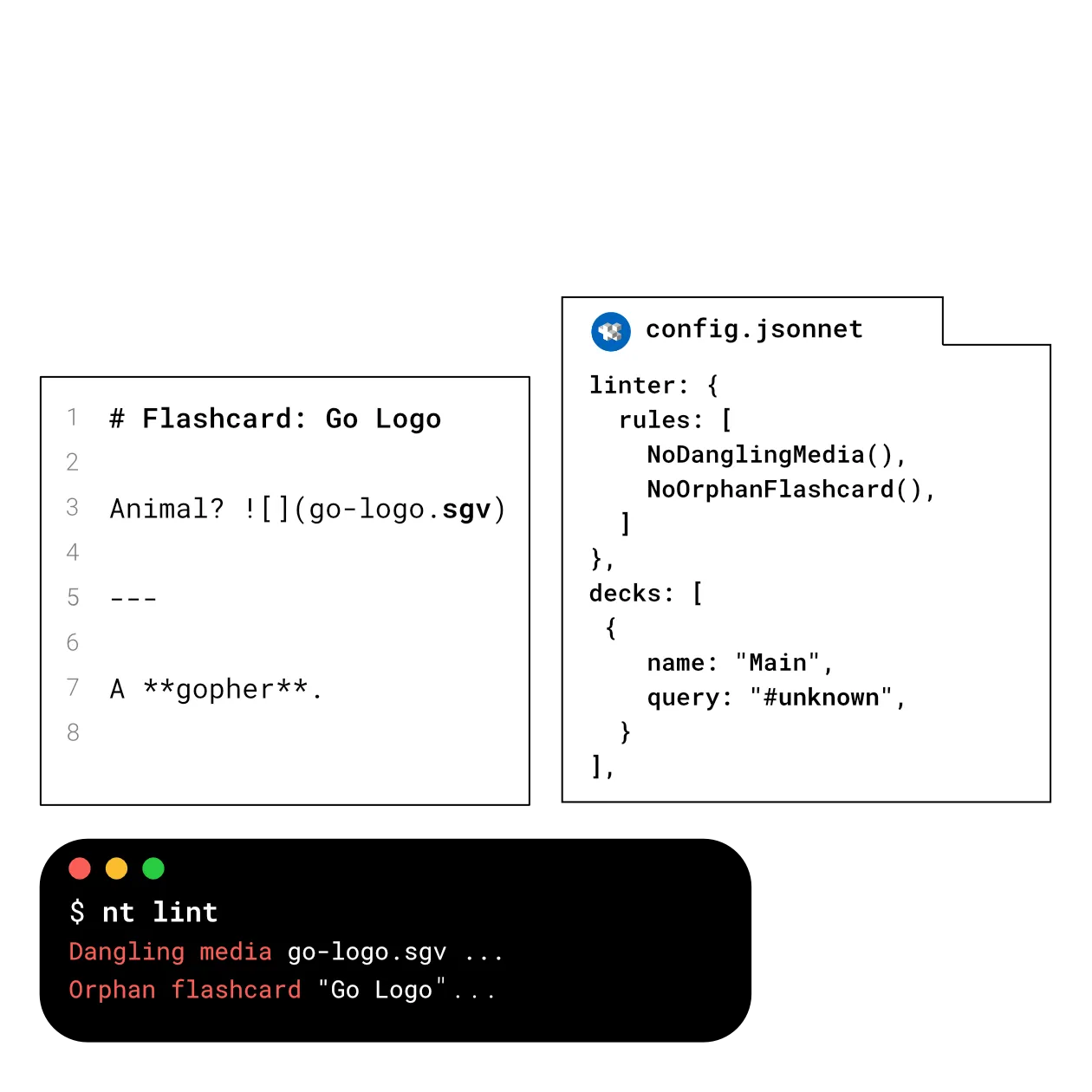
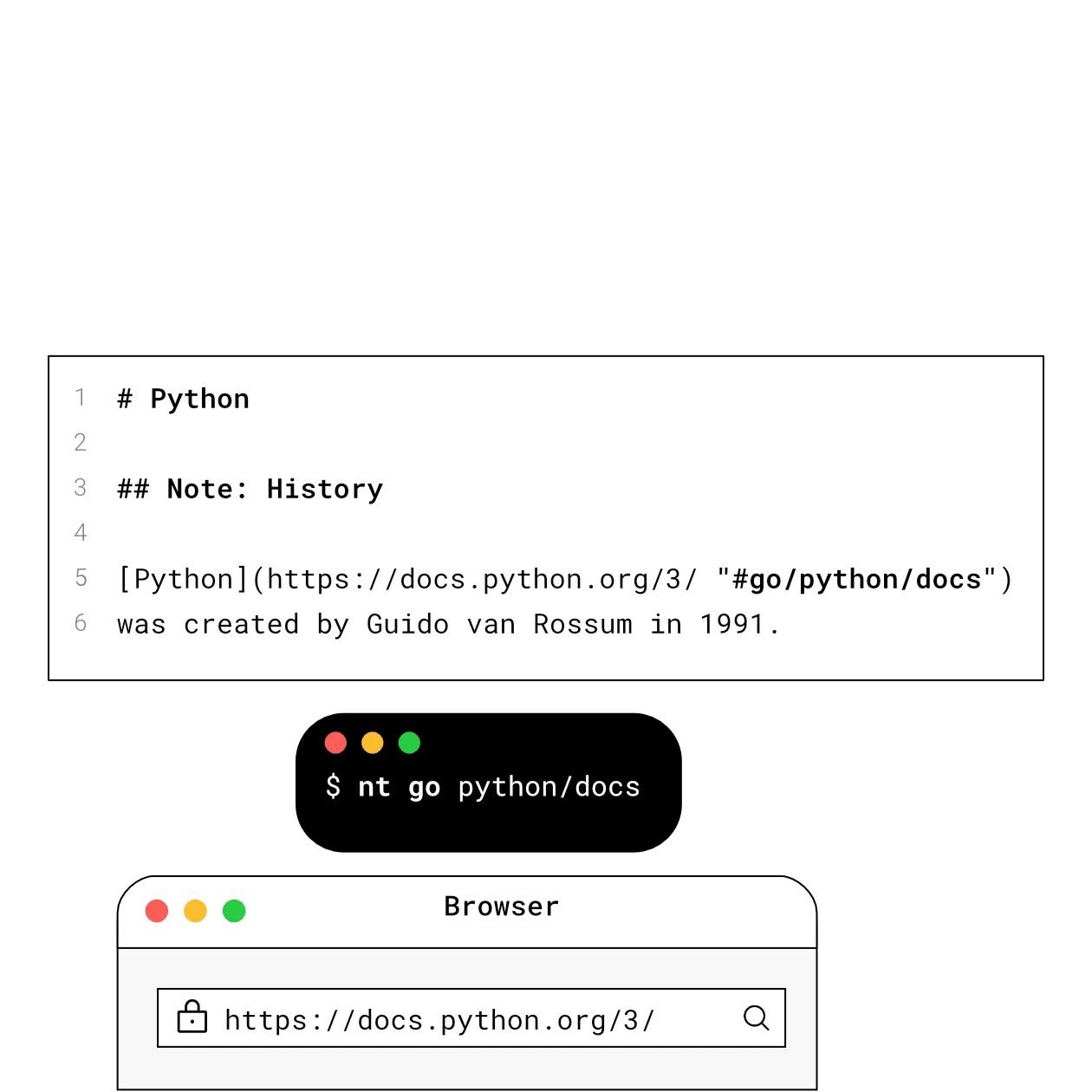
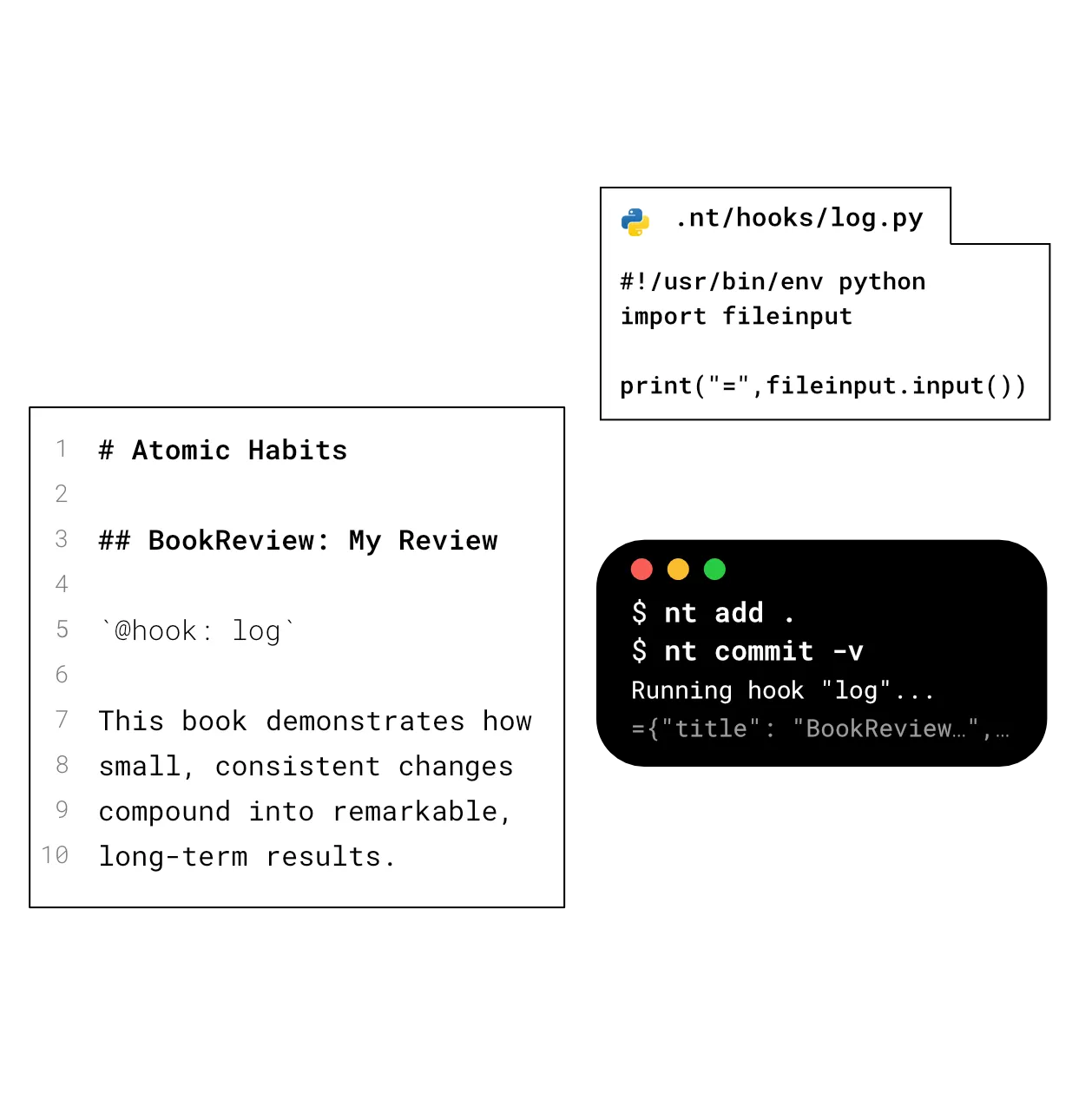
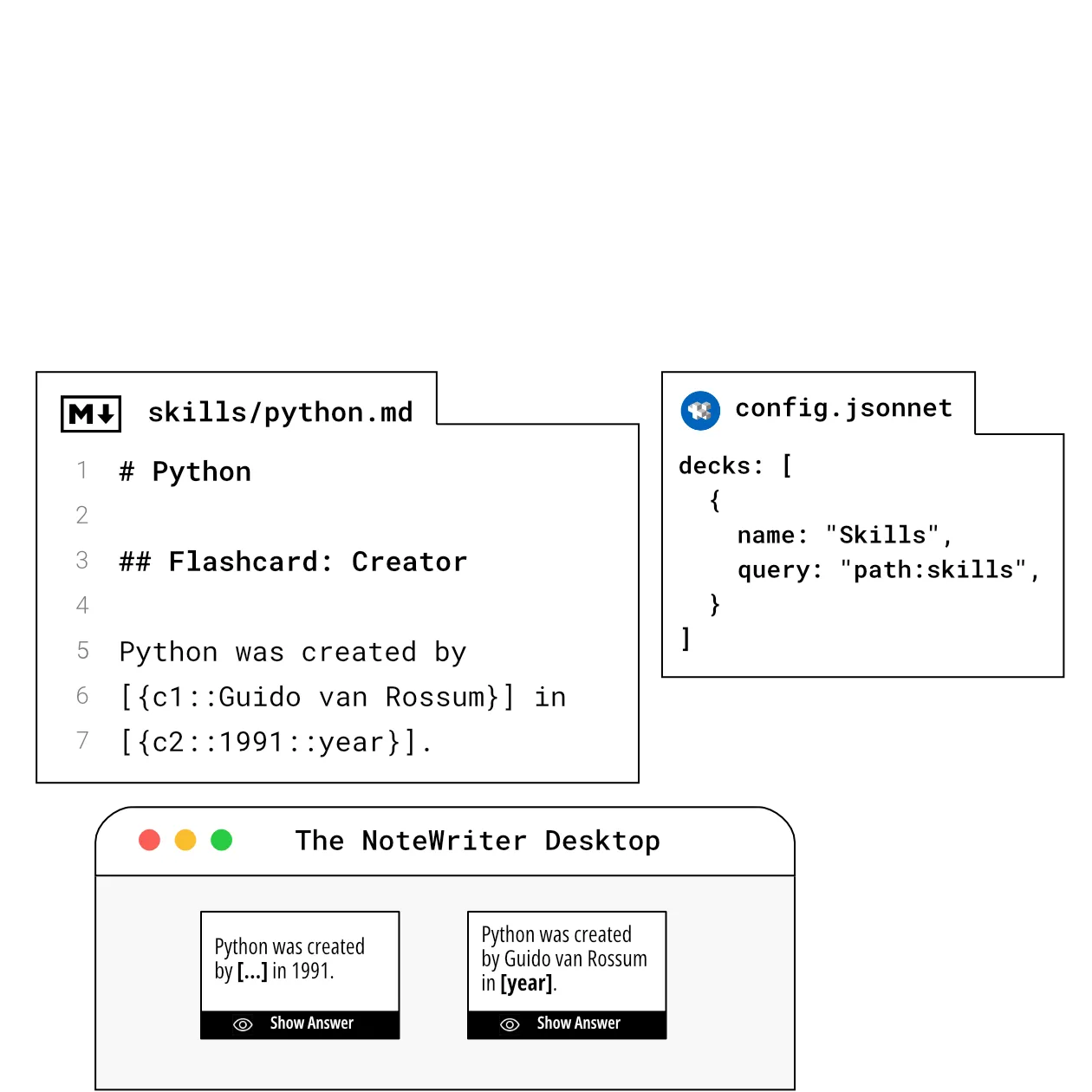
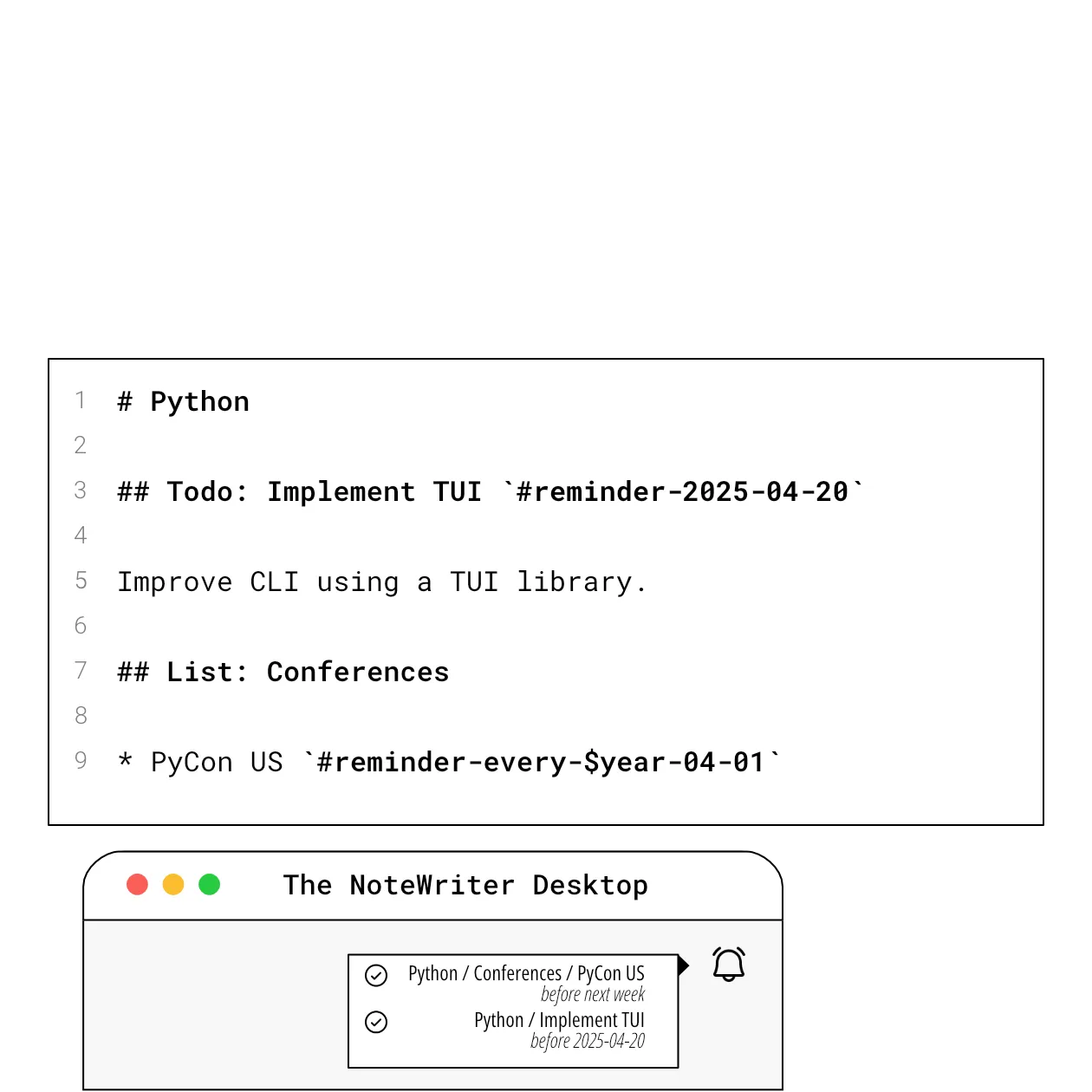
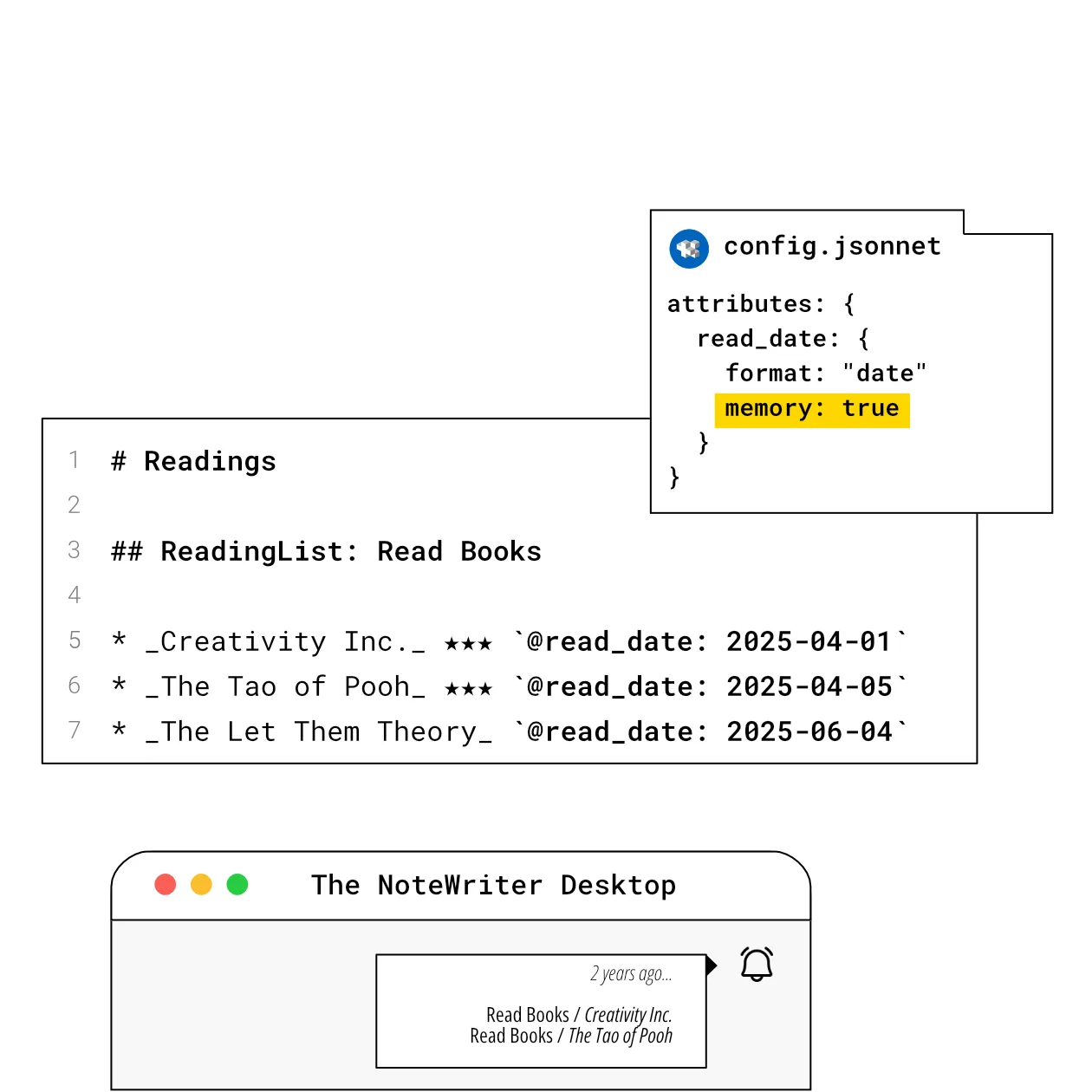
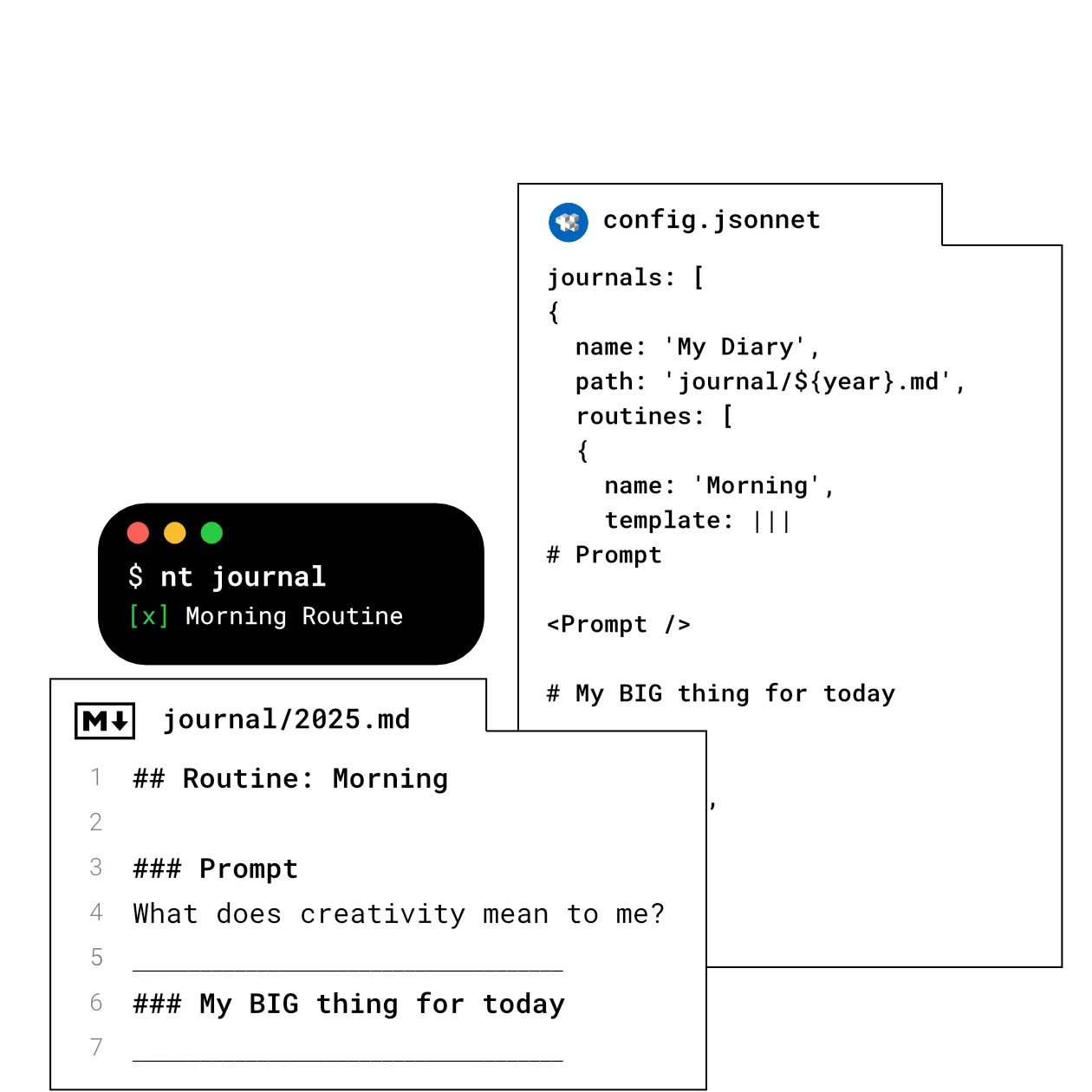
And also… desks, commonplace books, master notes, secure files, zen mode, …
F.A.Q.
Is it okay if I use it? 
Yes, but no…
I created The NoteWriter to experiment with my note-taking approach. I reworked some features several times (and I still have ideas to try). Breaking changes are inevitable when experimenting.
Why another tool?
I love reading and writing but I wasn’t satisfied with my reading and writing workflow. I created The NoteWriter to optimize my process. I didn’t created it to have an open source project to showcase. My long-term goal is to write more using my readings as inspiration.
Why for developers?
As a developer, I tried to reuse most of my knowledge. Git is more efficient to version my notes. Code editors are most efficient to enter text. No UI can compete with these tools. I introduced concepts familiar to developers — configuration files, templates, linter, hooks, remotes — to have a powerful tool with a minimal codebase.
Why not use paper notes?
Paper notes have obvious advantages. The pencil is one of the best human inventions, like the computer. Digital notebooks have drawbacks but also many advantages: you can insert notes between existing ones, delete without scribbles, copy URLs using shortcuts, etc. The NoteWriter is designed to leverage these advantages while minimizing the drawbacks of not having a pencil in our hand.
Why is it open source?
Working in public is a great way to share my reflection on the topic. I’m not looking for contributors. I designed the application to be maintainable by a solo developer (me) on my spare time. My goal is inspire others to reflect on their own note-taking process. We need more OSS tools designed for the long term like SQLite.
What is the current status of the project?
The CLI is relatively stable and well-tested.
The desktop application is a work in progress. I continue to experiment a lot with it.
The mobile application is still in its infancy. I have a clear idea of the goal and its limited scope but I prefer to focus on the desktop application for now.